
Warcraft III: The Frozen Throne
Complete guide for Warcraft III: The Frozen Throne covering installation, gameplay, strategies, items, cheats, and more. Perfect for new and returning players.

Download & Installation
Platforms: Windows PC (also available on macOS via classic version).
System Requirements (Classic):
Installation Steps:
1. Purchase the game from Blizzard Store (Battle.net) or a physical disc.
2. Download the Blizzard Battle.net desktop app and log in.
3. Navigate to 'Warcraft III: Reforged' or the classic version (The Frozen Throne is included as an expansion).
4. Click 'Install' and wait for the download.
5. Launch and enjoy – single-player campaigns and custom games are available.
System Requirements (Classic):
- OS: Windows 7/8/10 (32 or 64-bit)
- CPU: Intel Pentium III 800 MHz or equivalent
- RAM: 512 MB (1 GB recommended)
- GPU: DirectX 9.0c compatible with 32 MB VRAM
- Storage: 1.5 GB free space
- Internet: Required for online play and updates
Installation Steps:
1. Purchase the game from Blizzard Store (Battle.net) or a physical disc.
2. Download the Blizzard Battle.net desktop app and log in.
3. Navigate to 'Warcraft III: Reforged' or the classic version (The Frozen Throne is included as an expansion).
4. Click 'Install' and wait for the download.
5. Launch and enjoy – single-player campaigns and custom games are available.

Game Introduction
Warcraft III: The Frozen Throne is the official expansion for the real-time strategy game Warcraft III: Reign of Chaos, developed and published by Blizzard Entertainment. Released on July 1, 2003, it continues the epic Warcraft saga.
Story: The expansion follows multiple campaigns: the Night Elves under Maiev Shadowsong hunting Illidan, the undead Scourge under Arthas and the Lich King, and the human/elf alliance led by Prince Kael'thas. Central themes include betrayal, the pursuit of power, and the looming threat of the Burning Legion.
Genre: Real-Time Strategy (RTS) with strong RPG elements in heroes and items.
Story: The expansion follows multiple campaigns: the Night Elves under Maiev Shadowsong hunting Illidan, the undead Scourge under Arthas and the Lich King, and the human/elf alliance led by Prince Kael'thas. Central themes include betrayal, the pursuit of power, and the looming threat of the Burning Legion.
Genre: Real-Time Strategy (RTS) with strong RPG elements in heroes and items.
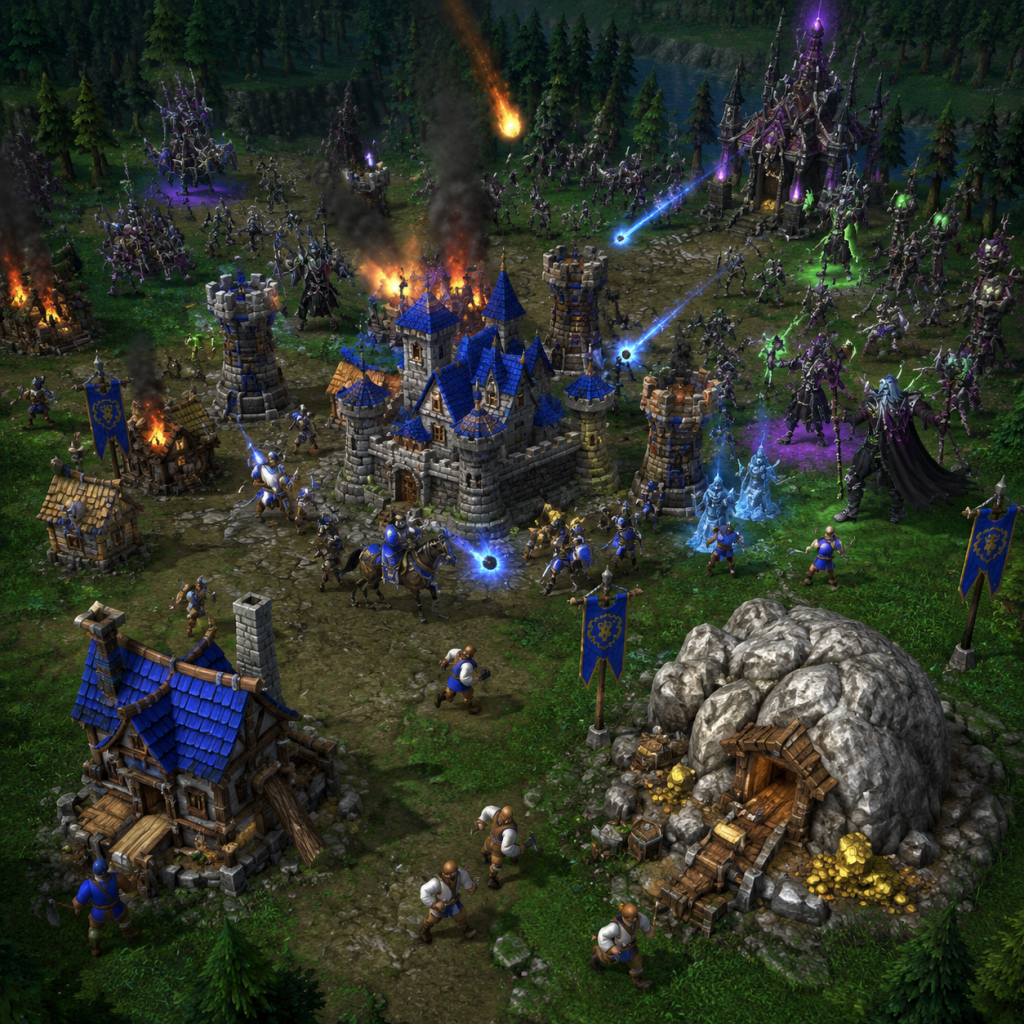
Getting Started
First Steps:
- Begin with the Tutorial campaign to learn basic controls.
- Choose a race (Human, Orc, Night Elf, Undead) – each has unique strengths.
- Manage your base: build workers (Peasants, Peons, Wisp, Acolytes) to gather gold and lumber.
- Construct farms/supply buildings to increase your population cap.
- Build production structures (Barracks, Crypt, etc.) to train units.
- Left-click: select units/buildings.
- Right-click: move units or attack.
- Use hotkeys (e.g., B for Build, A for Attack-move).
- Groups: Ctrl+1-9 to assign, then press number to select.
- Heroes level up by gaining experience from kills, unlocking abilities.
- Use alt+click or Ctrl+click to quickly select all units of a type.
- Scout periodically; fog of war hides enemy movements.
Controls:
Basic Mechanics:
Core Gameplay
Main Mechanics:
- Resource Management: Gold (mined from gold mines) and Lumber (harvested from trees). Build workers and upgrade gathering.
- Base Building: Create a town hall, then expand with resource depots, production buildings, and defensive towers.
- Combat: Use a mix of melee, ranged, casters, and siege units. Micro-manage fragile units (e.g., casters: keep them behind front line).
- Heroes: Each race has up to 4 heroes per game. Heroes have four abilities (three learned, one ultimate at level 6). Items can be equipped.
- Progression: Level up heroes, research upgrades at buildings (attack/defense tiers, unit-specific upgrades). Expand to new gold mines.
- Victory Conditions: Destroy all enemy buildings, or use capture points in some maps. Custom games have varied objectives.
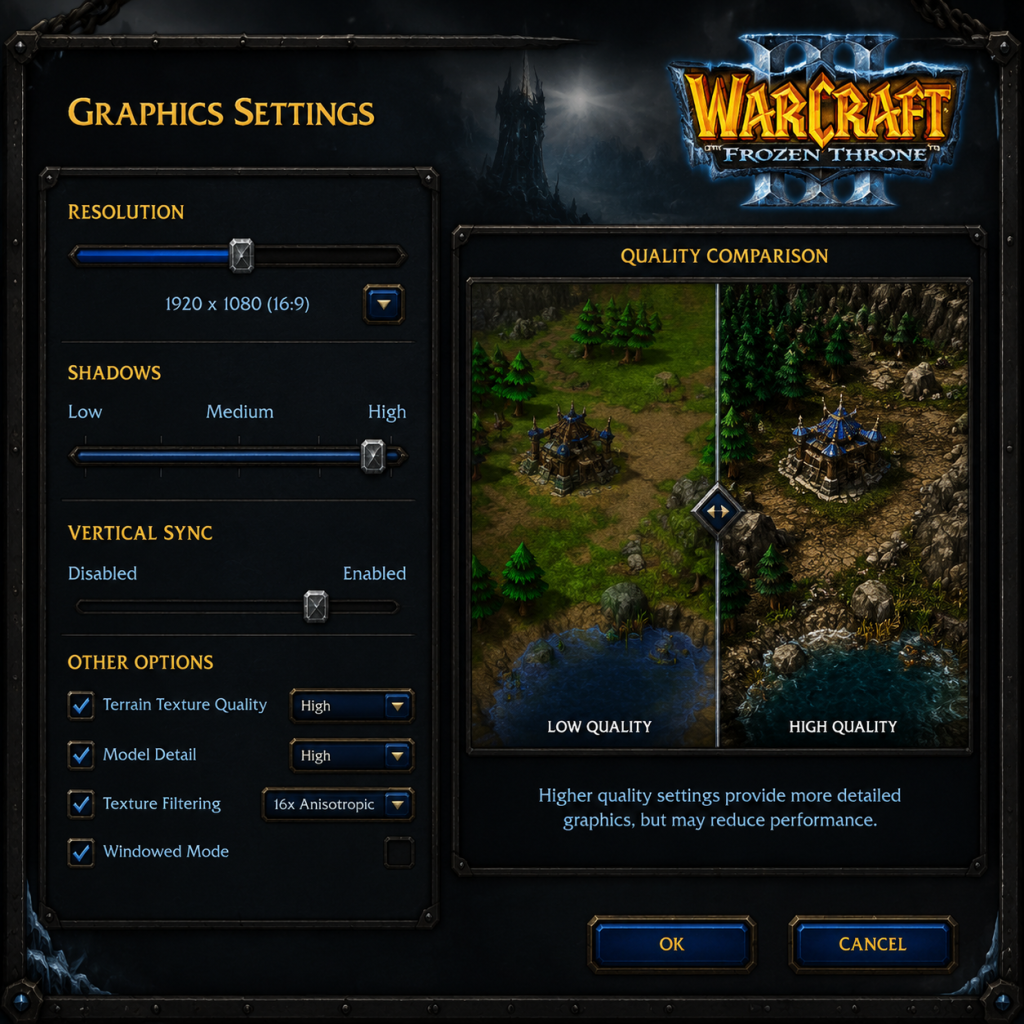
Game Tips
Strategies and Pro Tips:
- Early expansion after securing your main base helps snowball resource income.
- Hero first aid: Always have a scroll of healing or a healer hero (e.g., Paladin, Shadow Hunter) to sustain pushes.
- Use invulnerability items (like Ankh of Reincarnation) on key heroes.
- Creep camps: Clear neutral creeps for experience, gold, and items. Plan routes to minimize downtime.
- Watch your food cap: Don't get stuck with unused population; upgrade to more farms.
- Counter compositions: Orc vs. spellcasters? Use Mass Dispel. Enemy air? Build ranged anti-air (Huntresses, Crypt Fiends).
- Regular scouting: Use a flying unit or summoned scout (e.g., Owl, Far Sight) to detect enemy expansion and tech path.
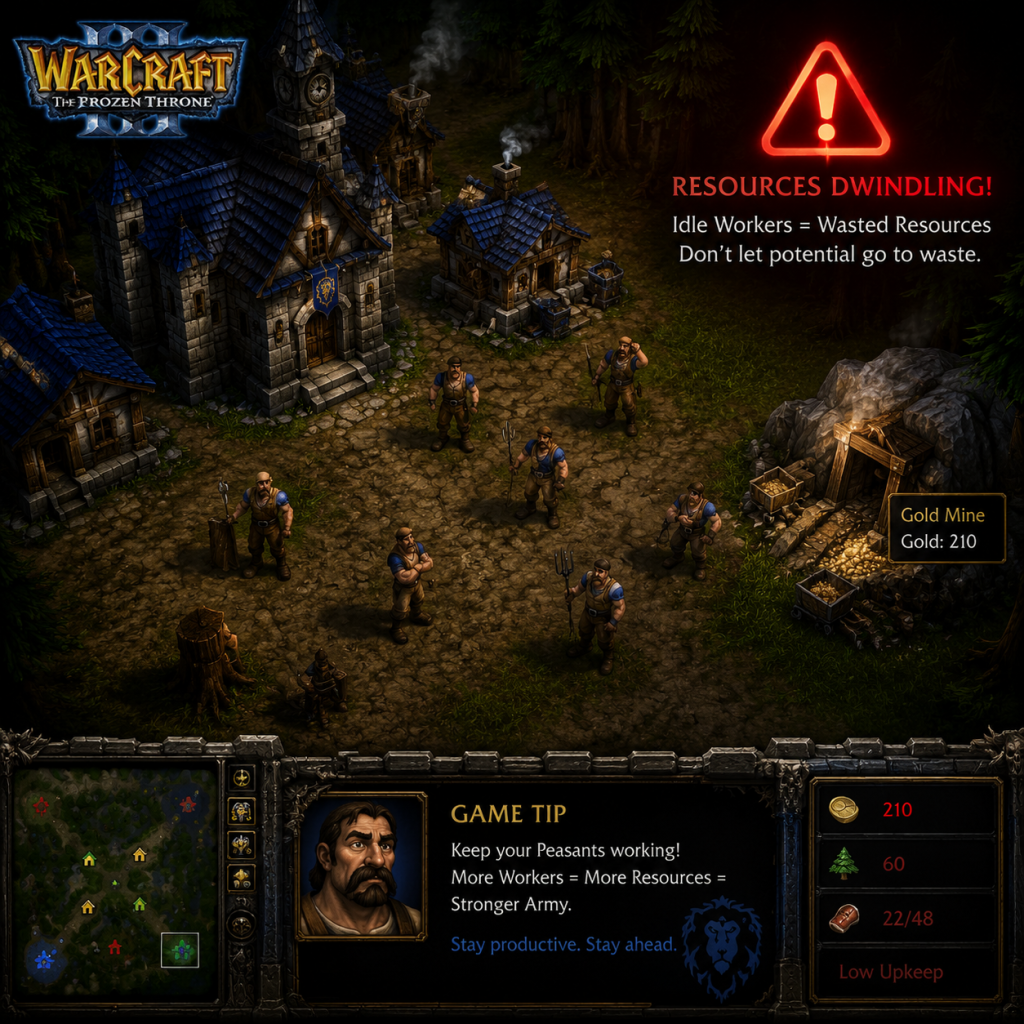
Game Settings
Recommended Settings:
- Graphics: Set resolution to match your monitor. Disable vertical sync for lower input lag. Keep shadows on low if FPS drops.
- Controls: Customize hotkeys by editing the 'CustomKeys.txt' file (located in Warcraft III folder). Common rebinds: move 'A' for attack, 'S' for stop.
- Sound: Enable game music for atmosphere, but disable if you need to hear unit responses.
- Network: For online play, select 'Battle.net' and ensure ports are open (6112-6119). Use a wired connection for stability.
- Gameplay: Enable 'Health Bars' always on for better awareness. Disable 'Cinematic' to skip cutscenes in replays.
Important Notes
Warnings & Common Mistakes:
- Don't idle workers: Keep them constantly gathering resources; idle workers = wasted income.
- Over-teching: Teching too fast without a defensive army leaves you vulnerable to rushes.
- Ignoring scouting: Not knowing your opponent's composition can lead to wrong counters.
- Hero death: Losing a high-level hero is a massive setback – always carry a Town Portal scroll or use revive items.
- Save and reload: In single-player campaigns, save often, especially before difficult encounters.
- Custom maps: Beware of custom maps with hidden scripts that can cause crashes or exploits. Only download from trusted sources.
- Patch differences: The game has been updated; some old strategies may no longer work. Check current patch notes.
All Game Items
Comprehensive Item List (Partial – full list with stats available in-game or on fan wikis):
- Permanent Items:
- Charged Items:
- Power-Ups (single-use):
- Artifacts:
- Creep Drops: Common items from neutral creeps include Tomes (permanent stat boosts), Rings of Protection, Boots of Speed (move speed).
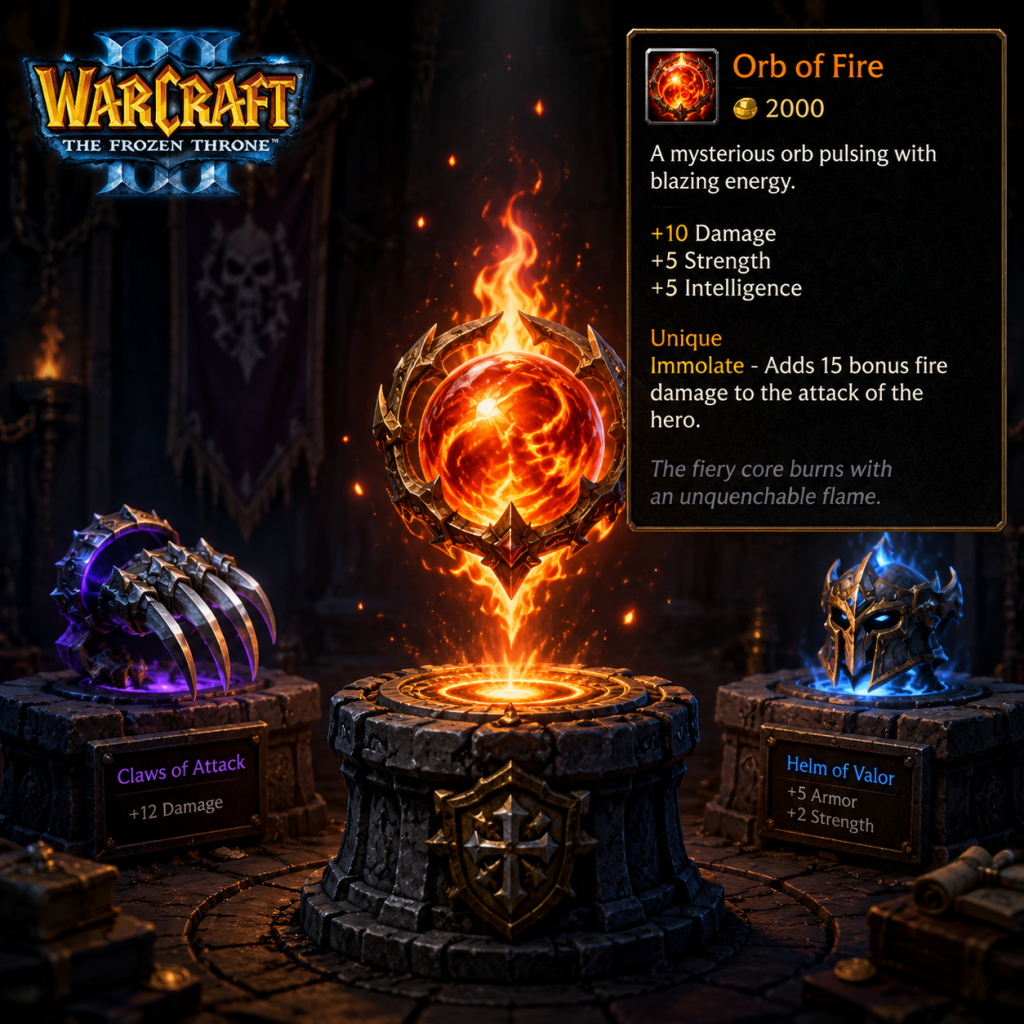
- Orb of Fire: Ranged heroes deal splash damage and bonus damage vs. summoned units.
- Mask of Death: Melee hero gains life steal on attacks.
- Ankh of Reincarnation: Revives hero once per battle upon death (auto-use).
- Sobi Mask: Mana regeneration.
- Claws of Attack: Increase attack damage (+6, +9, +12).
- Scroll of Town Portal: Teleports hero and nearby units to nearest town hall (consumable).
- Healing Salve: Restores HP over time.
- Mana Potion: Instant mana restoration.
- Wand of Negation: Dispel enemy buffs or summoned units.
- Runes: Health, Mana, Restoration (full heal).
- Glyph of Fortification: Temporarily increases armor.
- The Fiery Sword: +30 damage, splash.
- Shield of the Sea: +15 armor, block abilities.
Cheats & Secrets
Cheat Codes (enter during gameplay):
- `whosyourdaddy` – God mode (instant kill, invulnerable)
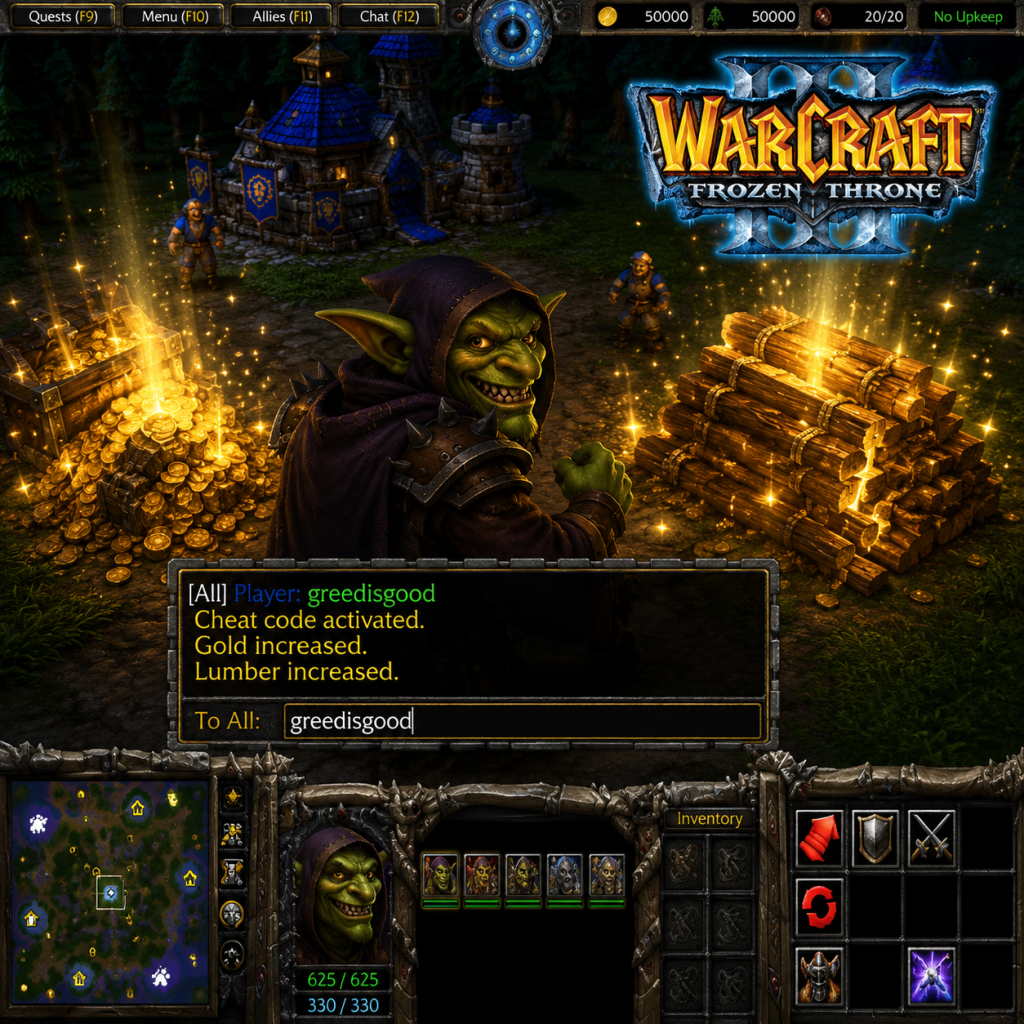
- `greedisgood 500` – Add 500 gold and 500 lumber (change number)
- `thereisnospoon` – Unlimited mana
- `warpten` – Fast construction and research
- `iseedeadpeople` – Reveal entire map
- `allyourbasearebelongtous` – Instant victory
- `somebodysetupusthebomb` – Instant defeat
- `strengthandhonor` – No building/unit limits
- `ablazingsaddle` – Cheat mode enabled (included in Reforged?)
- Hidden music tracks: Type `-music` in chat for special songs.
- Secret heroes: In some custom maps, complete hidden objectives to unlock special heroes (e.g., Illidan in the campaign via hidden triggers).
- In the campaign, certain levels have easter eggs (e.g., referring to Blizzard employees).
- Use the cheat `greedisgood` in single-player before fighting tough bosses for an edge.
Secrets: